
Shared Hosting vs. Managed VPS: Real-World Performance & Cost Breakdown for Growing Sites
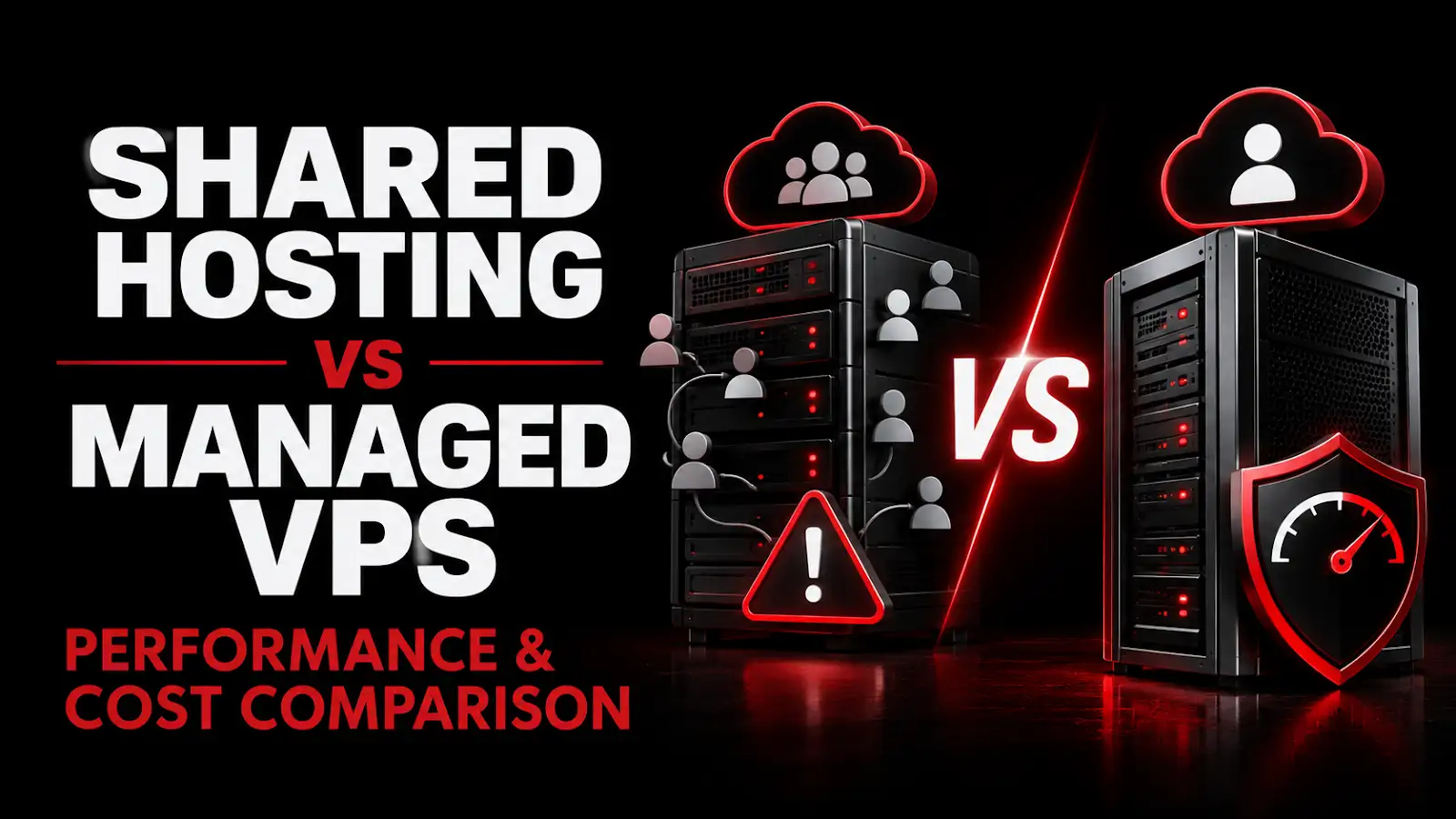
Shared hosting places a website on a server alongside dozens or hundreds of other accounts drawing from a shared pool of CPU, RAM, and I/O (input/output — the rate at which a server reads from and writes to disk). Managed VPS — a Virtual Private Server, an isolated virtual machine running on a shared physical host with dedicated allocations of CPU, RAM, and storage — gives a single account resources that other tenants cannot draw from, while the provider still handles operating-system maintenance. The choice between the two affects three measurable outcomes: how a site behaves under a traffic spike, what a site costs once indirect factors are included, and how much control the account holder has over the server environment. This article explains the specific mechanism behind shared hosting's resource caps, gives thresholds practitioners commonly use to judge when those caps become a problem, and compares the two options on cost using representative market pricing rather than sticker price alone. By the end, a reader will be able to check their own account's resource usage against CloudLinux's LVE limits and decide, from measured data rather than assumption, whether moving to managed VPS is justified.
Why the Shared Hosting vs. Managed VPS Decision Actually Matters (And When It Doesn't)
Shared hosting suits any site with predictable traffic and a lean codebase, regardless of how long the account has run. Resource caps on shared hosting only cause problems once demand for CPU, RAM, or I/O regularly approaches the limit the platform enforces, and a site serving mostly cached HTML to a modest number of daily visitors rarely reaches that point. As a worked example: a WordPress brochure site running a page-caching plugin such as WP Super Cache, receiving around 300 visits a day, with no e-commerce and no custom API integrations, will typically draw well under the CPU allocation available on an entry-level CloudLinux shared plan — the exact percentage depends on the plan's specific LVE (Lightweight Virtual Environment) configuration, which varies by provider. Do not migrate a site from shared hosting to managed VPS on the basis of account age or a provider's suggestion that a site should have "grown out of it" — migrate only once one of the three trigger conditions covered later in this article appears in the account's own measured data.
What Shared Hosting and Managed VPS Really Mean Under the Hood
Shared hosting isolates accounts using per-account resource caps enforced by the kernel; managed VPS isolates accounts by allocating genuinely separate virtualised hardware. CloudLinux, the operating system layer underneath most cPanel shared hosting, uses CageFS — a virtualised filesystem giving each account an isolated view of the server — and LVE, the mechanism that enforces CPU, memory, and I/O limits at the kernel level for each account individually. Hosting providers configure LVE limits themselves rather than CloudLinux dictating a single fixed default, so the specific CPU percentage, RAM ceiling, and number of concurrent PHP-FPM (PHP FastCGI Process Manager — the process that handles PHP requests) Entry Processes (EP, meaning one active PHP request being served for that account) vary from one host to the next. Managed VPS instead runs each client's environment as a separate virtual machine under a hypervisor such as KVM (Kernel-based Virtual Machine), with CPU cores and RAM reserved specifically for that instance rather than capped within a shared kernel.
The following commands have been tested on a CloudLinux 8 shared hosting account with SSH access enabled:
# Report the number of CPU cores visible to the account
nproc

# Report the account's actual LVE-enforced CPU and I/O limits
lveps
nproc inside a CloudLinux LVE-limited shared account frequently reports the host server's full core count, while lveps on the same account shows a much smaller enforced CPU allocation. The account can see the hardware but cannot use most of it — this is the most common source of confusion when a client first reviews their own resource limits. For any workload requiring predictable CPU availability, such as a Node.js API backend or a Python data-processing job, treat the figure lveps reports as the real ceiling. If lveps shows sustained usage near that ceiling during normal operation, move to a plan with a higher LVE allocation or to managed VPS; if usage sits well below the ceiling, no change is needed.
A Common Mistake: Reading nproc as the Account's Real Capacity
A frequent misdiagnosis in shared hosting support tickets involves a client concluding their site "should" perform well because nproc reports a high core count, then escalating a performance issue as a server-wide fault when the actual constraint is their own account's LVE cap. This happens because nproc reads the number of cores visible to the account's namespace, a value unrelated to the CPU-seconds LVE actually permits that account to consume — the two figures come from entirely separate subsystems. Checking lveps alongside nproc before raising a support ticket about a performance problem avoids this misdiagnosis and gets a faster, more accurate resolution from the hosting provider's support team.
Performance: Where Shared Hosting Breaks Down First Under Load
Shared hosting tends to fail under load in a fixed sequence: connection limits first, then database contention, then I/O throttling, then CPU or memory exhaustion. Each failure mode has a distinct enforcement mechanism, which is why the order matters for diagnosis. Connection limits come from a fixed PHP-FPM or Apache worker count per account; database contention comes from every account on the box sharing one MySQL or MariaDB instance, with MySQL 8.0's documented default max_connections value set at 151 for the whole server; I/O throttling is enforced separately by CloudLinux's own per-account limits, which the hosting provider configures rather than CloudLinux fixing universally. A site hitting its own connection limit during a spike logs 502 or 503 HTTP errors in its own error log. A site affected by a neighbouring account's database load instead shows elevated query times in its own slow query log with no corresponding error entry, because the contention originates at the shared database layer rather than within that account's own resource allocation.
| Failure mode | Enforcement mechanism | Symptom |
|---|---|---|
| Connection limit | PHP-FPM/Apache worker cap per account | 502/503 HTTP errors |
| Database contention | Shared MySQL/MariaDB instance across all accounts | Elevated query time, no local error logged |
| I/O throttling | CloudLinux per-account I/O limit (provider-configured) | Slow file writes, cache regeneration lag |
| CPU/memory exhaustion | LVE CPU/memory cap (provider-configured) | 508/509 "Resource Limit Reached" |
Check lveps before treating a slow shared hosting site as a code problem. If CPU or I/O usage sits near the account's own cap during the slow period, a resource upgrade or a move to managed VPS resolves it; if usage sits well below the cap, the cause lies in the application itself and a code review is the correct next step.
Shared Hosting vs. Managed VPS: Real-World Cost Breakdown
Published prices for shared hosting and managed VPS understate the actual cost gap, because shared hosting's costs are mostly indirect rather than appearing as invoice line items. As a worked illustration rather than a documented statistic: assume a checkout page returns a 503 error for 20 minutes during a traffic spike, on a site converting at 2% with an average order value of £45 and 500 extra visitors arriving in that window — under those assumed figures, the lost-revenue calculation works out to roughly £450, a number this article constructs to demonstrate the method rather than a measured industry average. Managed VPS costs are more visible on the invoice but still commonly underestimated at signup: extended backup retention beyond a provider's default retention window, additional IP addresses for SSL or mail configuration, and higher support tiers are typical add-ons that increase the monthly bill above the advertised base price, though the exact amount depends entirely on the specific provider's pricing structure.
| Factor | Shared Hosting | Managed VPS |
|---|---|---|
| Representative monthly price range (market-wide, July 2026) | Roughly £4–£12 | Roughly £18–£90 or more |
| CPU/RAM allocation | Shared, capped via provider-configured LVE limits | Dedicated or reserved per plan |
| Concurrent connections | Fixed per-account Entry Process cap, set by the provider | Configurable, scales with allocated resources |
| Disk I/O | Throttled per account, provider-configured | Dedicated, not shared with other tenants |
| Additional/indirect costs | Lost conversions during spikes, developer time working around caps | Extended backup retention, extra IPs, higher support tiers |
| Server management responsibility | Fully handled by the provider | Operating system and patching handled by the provider; the application layer remains the client's responsibility |
| Best for | Predictable traffic, no measured resource contention, budget-constrained sites | Sites with measured LVE contention, a hard technical requirement, or revenue exposed to shared-resource variability |
The Advice You'll Read Everywhere (And Why It's Incomplete)
Much hosting comparison content frames the shared-hosting-to-VPS decision around a monthly visitor count, with "move to VPS once you exceed 10,000 visits a month" a commonly repeated rule of thumb. This threshold is unreliable because traffic volume and resource consumption are not the same measurable quantity. A static HTML site receiving a high volume of monthly visits, served entirely from cache, can sit comfortably within a shared hosting account's resource allocation, while a WordPress site running WooCommerce with uncached dynamic cart pages can hit its Entry Process limit at a far lower visitor count, because each cart page load spawns a PHP-FPM worker process that a cached page never triggers. Checking lveps, or the account's resource usage graphs in cPanel, during actual traffic gives a far more reliable migration signal than any visitor-count threshold, because it measures resource contention directly rather than relying on a proxy that varies by site architecture. Ignore visitor-count rules of thumb and base the migration decision on measured CPU, I/O, or Entry Process usage against the account's actual LVE limits instead.
The Migration Trigger Points: Signs a Site Has Outgrown Shared Hosting
A site has outgrown shared hosting when it shows recurring resource-limit errors, a hard technical requirement the platform cannot meet, or revenue exposure to shared-resource variability. Each trigger points to a specific failure the account cannot resolve on its own: a 508 or 509 error means the account's LVE cap has been hit, and no code change fixes a kernel-enforced ceiling; a missing PHP extension or unsupported cron interval means the platform itself lacks a required capability; e-commerce revenue at stake means a 503 error during a sale carries a direct, calculable cost rather than a merely inconvenient one. As an example of the second category: a client running Magento 2.4 who needs a specific version of the imagick PHP extension for a checkout image-processing feature, on a shared host offering only a fixed PHP version selector without that module, has a hard trigger regardless of traffic level.
# Confirm resource contention before migrating (tested on CloudLinux 8)

lveps                 # compare current usage against the account's LVE caps
top                   # check the "wa" (I/O wait) percentage on the CPU summary line
Treat a 508 or 509 error appearing more than once a month, or lveps showing sustained usage above 80% of any single resource cap, as sufficient evidence to begin planning a move to managed VPS. Waiting for a third or fourth occurrence only increases the likelihood it happens during a revenue-critical period.
Managed VPS Isn't "Set and Forget" — What Remains the Client's Responsibility
Managed VPS transfers operating-system administration to the provider but leaves application-layer administration — updates, security, database tuning, and backup verification — with the client. The provider's support contract typically covers the kernel, control panel, base OS packages, and network; the client's own environment, including the CMS core, plugins, custom code, and database schema, falls outside that contract. A managed VPS running an unpatched WordPress installation with a vulnerable plugin — for example, an SQL injection vulnerability disclosed in an outdated form plugin — remains exploitable in the same way an equivalent shared hosting account would be, because root access changes the attack surface available to an attacker without changing whether the application layer itself has been patched. Schedule application-level updates and a quarterly backup-restore test as a standing task separate from the hosting contract, because no managed VPS plan performs either of these automatically.
Shared Hosting vs. Managed VPS: A Decision Framework for Growing Sites
Default to shared hosting for predictable, budget-constrained workloads, and move to managed VPS once a measured trigger point has appeared — base the decision on that evidence rather than site age or a general sense of growth. As an example: a subscription box e-commerce site processing a small number of orders a month, with no plugin conflicts and no LVE warnings, has no functional argument for migrating to managed VPS. The same site processing a much larger order volume with recurring 503 errors during a monthly sale has a clear one.
For a site with no measured resource contention and no hard technical requirement:
-
Remain on shared hosting regardless of revenue or account age.
-
Re-check lveps and the cPanel resource usage graphs monthly, or after any marketing campaign expected to increase traffic.
For a site showing sustained LVE usage above 80%, recurring 508/509 errors, or e-commerce revenue exposed to shared-resource variability:
-
Migrate to managed VPS.
-
Size the initial VPS plan to at least double the account's current peak CPU and I/O usage as measured by lveps, to leave headroom for the growth that likely prompted the migration.
Frequently Asked Questions
Can a shared hosting plan handle a sudden traffic spike, such as a page going viral?
Rarely without degradation. Shared hosting accounts have a fixed Entry Process cap set by the provider, so a spike queues or drops requests once that ceiling is reached, producing 502 or 503 errors rather than a slow-but-functioning page. Moving to managed VPS ahead of an anticipated spike, or asking the provider to temporarily raise the shared plan's Entry Process limit if that option exists, avoids this failure mode.
Is managed VPS overkill for a small business site with steady, low traffic?
Yes, in most cases. The cost premium of managed VPS over shared hosting only pays for itself once resource contention, a hard technical requirement, or meaningful revenue exposure is present, and none of these typically apply to a steady, low-traffic site.
How much control does a client lose by choosing managed VPS over unmanaged VPS?
Most managed VPS plans retain root access and the ability to install custom software. The provider instead takes over operating-system patching, kernel updates, and control panel maintenance, so the change is a reduction in system administration workload rather than a reduction in configuration access.
Will moving from shared hosting to VPS automatically fix a slow WordPress site?
No. VPS removes shared-resource contention specifically, not application-layer inefficiency, so an uncached WooCommerce cart page or an unindexed database query that runs slowly on shared hosting continues to run slowly on a VPS with dedicated resources, because the underlying query still has to execute. Fixing that requires caching — Redis object caching, for example — or query optimisation, independent of which hosting tier the site runs on.
Can migration from shared hosting to VPS happen without downtime?
Yes, using a standard sync-and-cutover process: provision the VPS, sync the files and database across, test the new server via a hosts-file override, lower the domain's DNS TTL (Time To Live — how long DNS resolvers cache a record before checking again) to a low value such as 300 seconds ahead of time, then repoint DNS once functionality has been confirmed. DNS propagation is the only downtime-adjacent variable in this process, and the lowered TTL reduces it to a few minutes at most.
What is the CloudLinux LVE limit and how do I check mine on shared hosting?
LVE is the mechanism CloudLinux uses to cap CPU, memory, and I/O per shared hosting account, with the specific limits set by the hosting provider rather than fixed by CloudLinux itself. Running lveps over SSH, or checking the "Resource Usage" section in cPanel, shows current usage against those caps directly, which is the most reliable way to judge whether shared hosting remains adequate for a given site.
SELF-CHECK: Last section written — Decision Framework. Recommendation specificity: specific (numbered steps, explicit sizing method tied to lveps output). Code completeness: complete (all commands runnable as shown, no placeholders). Proceeding to closing — no revision needed.
Closing
The trigger points in this article exist because visitor count, site age, and perceived seriousness are unreliable proxies for the thing that actually forces a move from shared hosting to managed VPS: measured resource contention against a specific, checkable limit. A site showing no signs of approaching its LVE caps has no technical justification for the added cost of managed VPS, however established the business behind it has become. Run lveps and check the cPanel resource usage graphs before deciding on any other basis, and treat sustained usage above 80% of any single cap as the point to start planning a migration rather than waiting for a 508 error to force it.